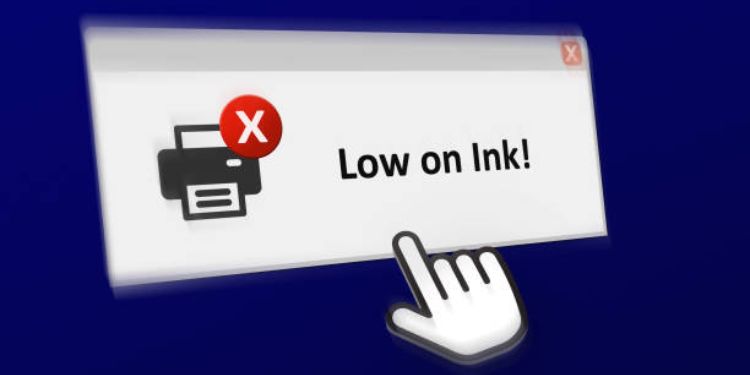
Low Toner Warnings
Low toner warnings alert you that your printer’s toner is running low, giving you time to prepare before print quality suffers or printing stops. While you may still print after the alert, ignoring it can lead to faded text, streaky images, or incomplete pages.
These warnings are estimates based on page counts rather than exact toner levels. You may still have enough toner for several prints after the message appears. Understanding how to respond helps you maximize remaining toner without compromising output quality.
Why Low Toner Warnings Occur
Printers track toner usage by monitoring printed pages and estimating consumption. When the estimated toner drops below a threshold, the printer displays a warning. Heavy usage, graphics, or bold fonts can trigger alerts sooner since they use more toner.
Assessing Print Quality
When a warning appears, check your printouts. If text is clear and images look fine, you can continue printing briefly. Noticeable light areas, streaks, or faded sections indicate it’s time to replace the toner cartridge for consistent results.
Maximizing Toner Life
You can extend toner usage by printing in draft or economy mode, limiting unnecessary prints, and avoiding repeated reprints. These simple adjustments help conserve toner and delay replacement.
Reseating the Toner Cartridge
Occasionally, removing the cartridge and gently shaking it side to side redistributes the toner, temporarily improving print quality. Reinsert the cartridge carefully, ensuring it’s properly seated. This can help you get a few extra prints before replacement.
Replacing Toner at the Right Time
Replacing too early wastes money, while waiting too long can compromise print quality. Use both the warning and your print results to decide the optimal time for replacement. Keeping a spare cartridge ensures uninterrupted printing when the toner eventually runs out.
By monitoring low toner warnings and taking appropriate action, you can maintain consistent print quality, extend toner life, and avoid sudden printing interruptions.